
Catch-All Domains: A Practical Way to Handle Risky Addresses
Catch-all addresses cannot be confirmed, but they should not be thrown away. A practical plan to send safely, measure and decide.
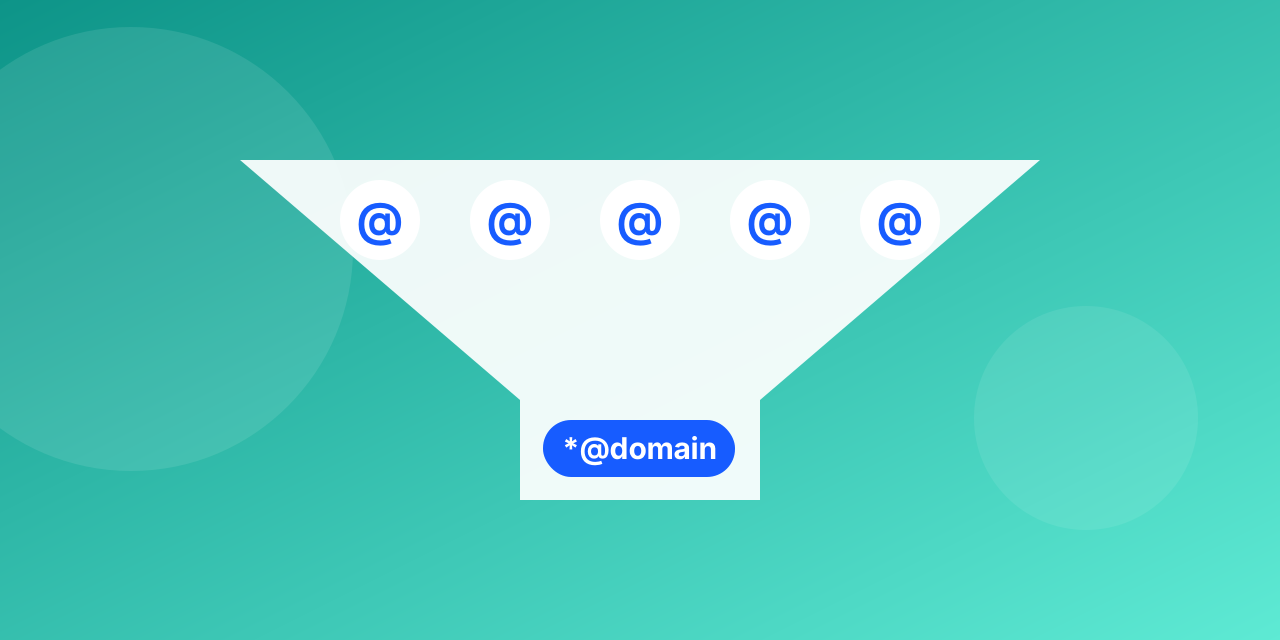
A catch-all domain accepts mail for any address, so a verifier cannot prove a specific mailbox exists. In B2B lists, catch-all domains can be a quarter or more of the addresses.
Do not delete them blindly
Many belong to real companies with small IT setups. Deleting all of them throws away real leads.
A practical plan
- Separate them: keep a "risky" segment.
- Send in small batches: start with a modest portion and watch bounces.
- Look for engagement: opens are unreliable, so use clicks and replies.
- Promote or remove: addresses that engage move to your main list; those that bounce are removed.
Raise your confidence
- Prefer addresses collected through a form the person completed.
- Use a confirmation email for new sign-ups.
- For sales outreach, find a named person, not only a generic address.
Use the labels
Mailbite marks accept-all results so you can build the segment in one step. Learn the difference in our article on accept-all and catch-all addresses, then run your list through the bulk verifier.
Why catch-all domains exist
Some companies configure their mail server to accept mail for any name at the domain and sort it later. It prevents lost mail when someone mistypes a name, but it also means the server says yes to `[email protected]`, real or not. A verifier therefore cannot confirm a single mailbox on such a domain. It can only tell you the domain behaves this way.
How big the problem is
Catch-all is common among business domains, so a B2B list can carry a large share of these addresses. For a consumer list (gmail.com, yahoo.com and similar) it barely appears. If your list is mostly work addresses, expect a visible accept-all group in the results.
A step-by-step plan for the accept-all group
- Split the group off from the valid addresses. Do not mix them in one campaign.
- Send a first small batch (a few hundred) and measure the bounce rate after 48 hours.
- If bounces stay under 2%, send the rest in stages. If they climb, keep only the contacts who have engaged before.
- Move contacts who open or click into your regular segment. Drop the ones who bounce.
What raises your confidence
An address you got through a person (a reply, a form they filled in, a meeting) is much more likely to be real than one guessed from a name pattern. Record where each address came from so you can prioritise.
See how the status appears in a result in the bulk verifier, or test one address in the checker.
