
Email Verification vs Email Validation: What Is the Difference?
People use the two terms as if they meant the same thing. They are close, but each answers a different question. Here is how to tell them apart.
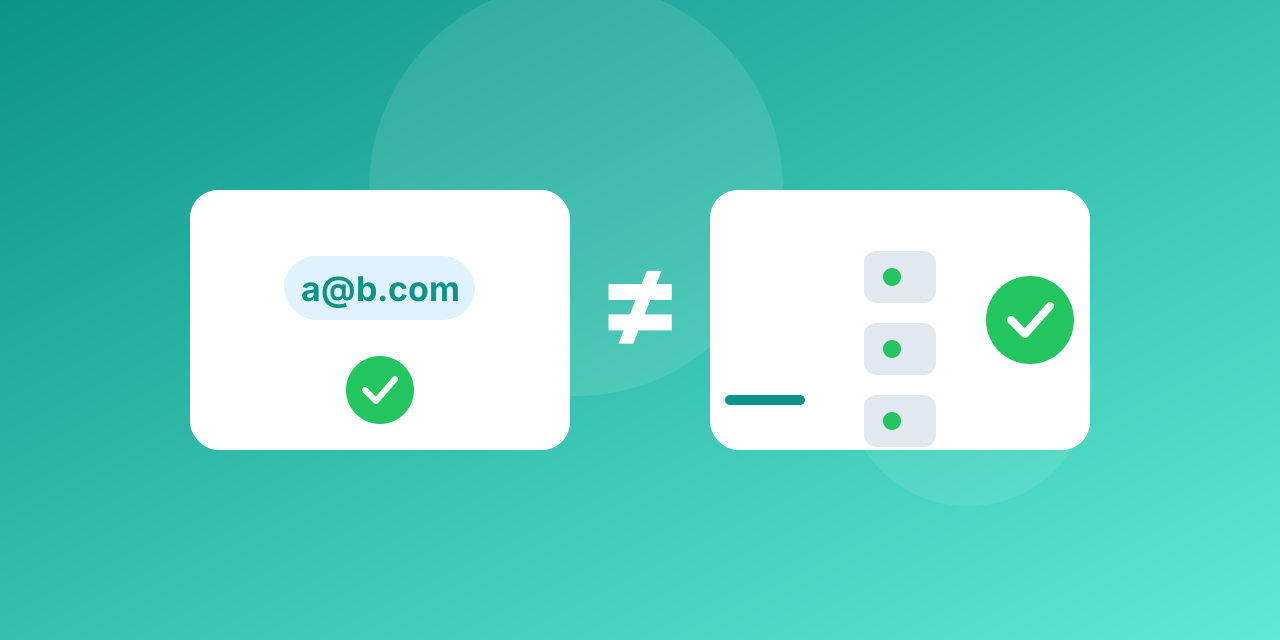
Email validation checks whether an address is *well formed and plausible*. Email verification checks whether the mailbox *actually exists and can receive mail*. Validation is the first part of the process, verification is the whole of it.
What validation covers
Validation works on the address itself, without contacting any server.
- Syntax: one @ sign, allowed characters, no spaces, a sensible length.
- Domain format: the part after the @ looks like a real domain.
- Common typos: gmial.com, hotmial.com and similar slips can be flagged.
- Blocklists: known disposable domains can be rejected on a list match.
It is fast and free, and it is the right check at the moment someone types an address into a form.
What verification adds
Verification goes out to the network.
- DNS and MX lookup: does the domain exist and publish mail servers?
- Mailbox check: the verifier talks to the mail server and asks whether the recipient exists, without sending a message.
- Risk labels: catch-all domains, role addresses and disposable providers are classified.
- Result: valid, invalid, risky or unknown.
A simple way to remember it
- Validation answers: *could this be an email address?*
- Verification answers: *is there a mailbox behind it, and is it safe to send?*
An address such as [email protected] is perfectly valid in format and fails verification if no such mailbox exists.
Which one do you need
- Sign-up forms: both. Validate in the browser for instant feedback, then verify on the server before you trust the address.
- Imported or old lists: verification. Format checks cannot find dead mailboxes.
- Before a big campaign: verification, and again right before sending if the list is older than a few months.
Common mistakes
- Relying on a regular expression alone and calling it verified.
- Verifying once and never again; addresses decay.
- Treating "risky" as "invalid" and throwing away real contacts.
You can test one address with the free email checker or clean a whole file with bulk email verification. Plans are listed on the pricing page.
An example, step by step
Take the address [email protected].
- Validation confirms the format is legal and the domain part looks like a domain. It passes.
- Verification looks up the MX records of acme-widgets.com and finds a mail server.
- It asks that server whether [email protected] is accepted. The server says "user unknown".
- Result: invalid. Validation alone would have called it fine.
The reverse also happens. An address can fail a naive regular expression, for example because of a plus sign or a new long domain ending, and still be a perfectly good mailbox. Strict, outdated patterns reject real people.
Where the confusion comes from
Many tools sell "email validation" and do much more than format checks, and some sell "verification" and stop at the domain. Read what a service actually checks rather than trusting the name. The useful questions are: does it look up MX records, does it talk to the mail server, how does it treat catch-all domains and what labels does it return?
Who needs which
- Developers usually add validation in the form and call a verification service on the server.
- Marketers care about verification, because their problem is dead addresses already on the list.
- Small shops can start with the free allowance and verify the list before each big send.
Related reading
Bounces are what verification prevents. See the error code library for the messages servers return, and the MX lookup to check a domain by hand.
