
SPF, DKIM and DMARC Explained: Set Them Up Right
Three DNS records prove your emails are really yours. A plain explanation of each and a safe order to set them up.
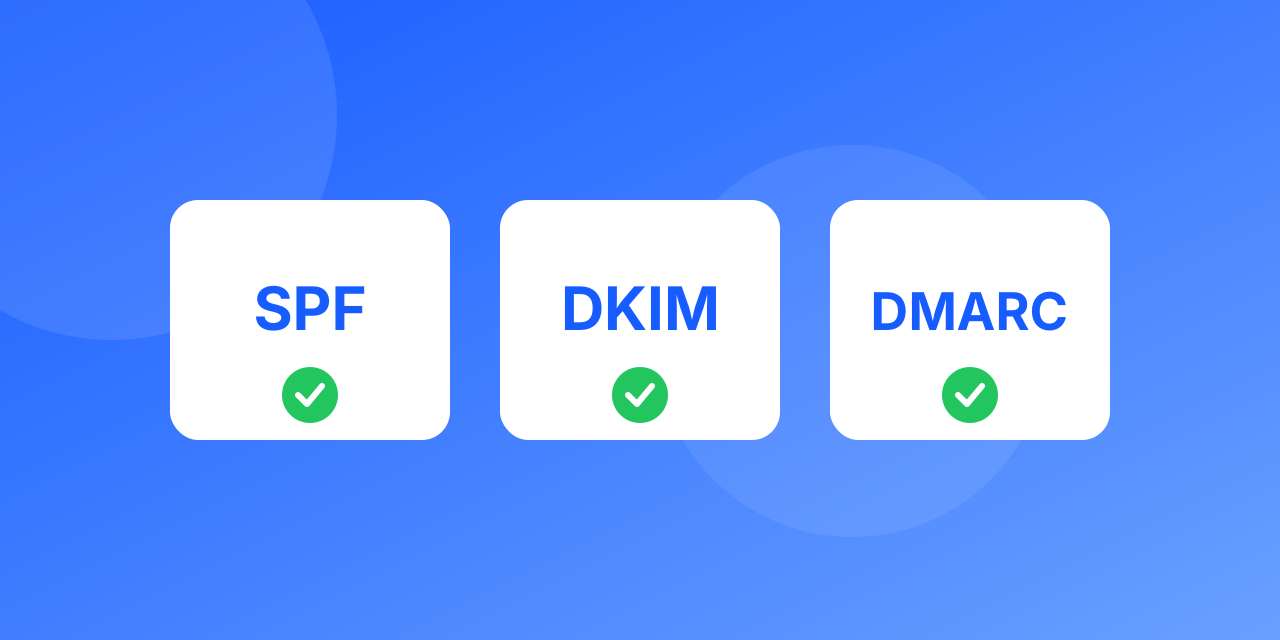
SPF, DKIM and DMARC are three DNS-based checks that tell receiving servers your mail is legitimate. Together they are the foundation of deliverability.
SPF: who may send
An SPF record lists the servers allowed to send mail for your domain. A receiving server compares the sending IP with that list. Keep it to one record and stay under the 10 DNS lookup limit.
DKIM: was it altered
DKIM adds a cryptographic signature to each message. The public key sits in your DNS. If the signature checks out, the message is proven to come from your domain and to be unchanged.
DMARC: what to do on failure
DMARC ties the two together. It tells receivers what to do when SPF and DKIM fail to align with your From domain (none, quarantine or reject) and where to send reports.
A safe setup order
- Publish SPF for every service that sends your mail.
- Enable DKIM in each sending service.
- Add DMARC with p=none and a reporting address.
- Read the reports for a few weeks and fix unaligned senders.
- Move to quarantine, then reject, when reports are clean.
Check your work
Send a test to a Gmail address and read the original message headers. SPF, DKIM and DMARC should show PASS.
Example records
These are illustrative; replace names with your own provider's values.
- SPF (a TXT record on the domain): `v=spf1 include:_spf.your-provider.example ~all` says which servers may send as your domain. Keep to a single SPF record, and stay under 10 DNS lookups or the record fails.
- DKIM (a TXT record on `selector._domainkey.yourdomain`): holds a public key. Your sending tool signs each message with the matching private key. Use 2048-bit keys where the tool allows.
- DMARC (a TXT record on `_dmarc.yourdomain`): `v=DMARC1; p=none; rua=mailto:reports@yourdomain` starts in monitoring mode and sends you aggregate reports.
Common mistakes
- Two SPF records on one domain. Only one is allowed, so merge them.
- Forgetting a sending source (the CRM, the helpdesk, the invoicing tool) and then failing DMARC for its mail.
- Jumping straight to `p=reject` before reading reports, which can block your own legitimate mail.
How to confirm it works
Send a test message to a Gmail address, open the message menu and choose Show original. Look for SPF, DKIM and DMARC all marked PASS. Free tools such as our SPF and DMARC checker also read the records from the outside.
Authentication does not replace list quality: after you set it up, keep addresses clean with the bulk verifier.
