Password Reset and Receipt Emails Not Arriving? Start With the Address
When customers say they never got the email, the cause is often the address, not your sending setup. A support checklist, and the checks that keep transactional mail reaching real inboxes.
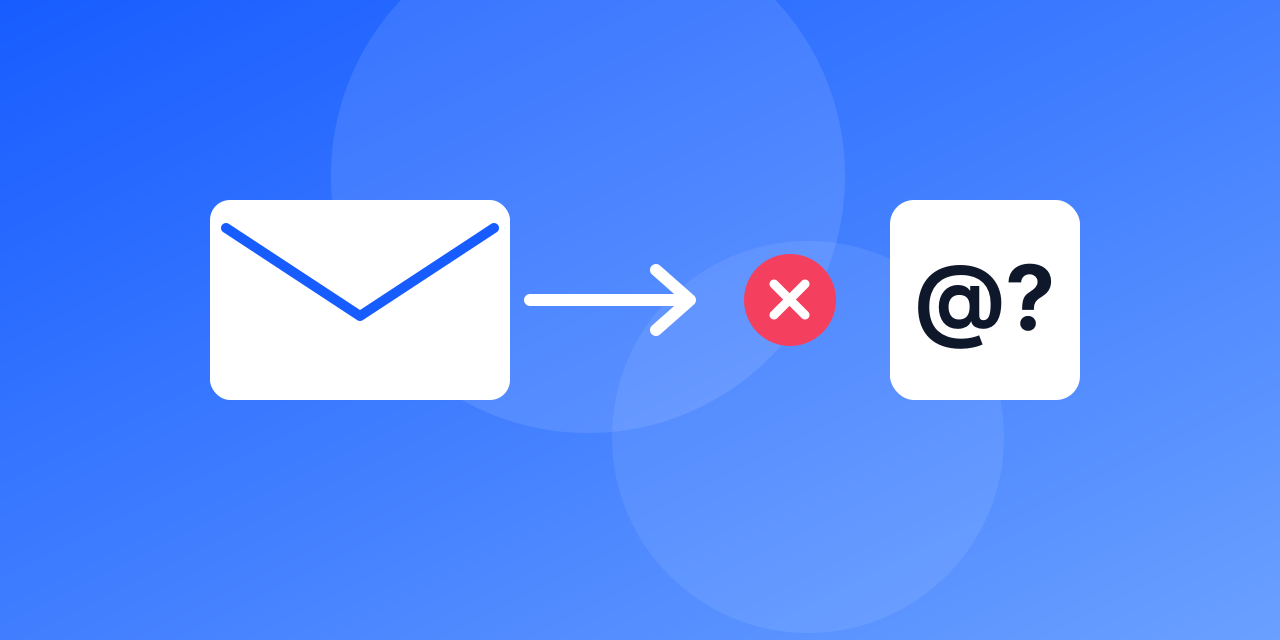
"I never got the email" is one of the most common messages a support team receives: the password reset that does not arrive, the receipt that is missing, the confirmation link that never comes. Teams often jump straight to their sending setup. It is worth looking at the address first, because it is the cheapest thing to check and the most common cause.
Why the address is the first suspect
Transactional mail is sent to one address that someone typed once, quickly, on a small screen. If that address has a typo, belongs to a throwaway service, or points to a mailbox that no longer exists, nothing you do on the sending side will fix it. The message was never going to arrive.
A support checklist
Work through these in order. Each step takes a minute.
- Read the address as stored. Look for an extra or missing letter, a wrong domain such as gmial.com, a space or a trailing dot.
- Run it through a check. The email checker returns a result, a reason and a typo suggestion if there is one.
- Check for a throwaway domain. A disposable address may have stopped working hours after sign-up.
- Check the domain can receive mail. Look up its mail servers with the MX lookup. A domain with none cannot receive anything.
- Look at your bounce log. A permanent bounce, such as a mailbox that does not exist, tells you the address is the problem.
- Ask the customer to look in spam and other tabs. If the mail is there, the address is fine and the filtering is the issue.
- Only then look at your sending setup. Check SPF, DKIM and DMARC and your sending reputation.
Fix the cause, then the ticket
If the address is wrong, the quickest fix for the customer is to correct it in their account and resend. That works only if the account lets them change the address. Make sure there is a way to do that without needing the very email that did not arrive.
Stop the problem at the form
Most of these tickets can be prevented before they exist:
- Verify at sign-up and at checkout. A typo caught while the person is still on the page costs seconds. Caught three days later in a ticket it costs a conversation. The API returns a typo suggestion you can show on the spot.
- Show where you sent it. A line such as "We sent a link to [email protected]" lets people spot their own mistake.
- Do not rely on retyping alone. A second email field catches some typos, and people often paste the same wrong address twice.
- Keep bounce records. After a permanent bounce, stop sending to that address and flag the account so support can see it.
Clean up what you already have
Old accounts collect problems: addresses that were mistyped years ago, domains that no longer exist, mailboxes that were closed. A pass through bulk verification before your next big announcement shows you which accounts cannot receive mail at all, so you can ask those customers for a current address in the app instead of waiting for a ticket.
Frequently asked questions
Can a valid address still miss a transactional email? Yes. Filtering, a full mailbox or a temporary problem at the provider can all delay or block a message. A check tells you the mailbox exists; it cannot promise every message will reach the inbox.
Should transactional mail go to unknown or risky addresses? Yes, usually. These emails are expected by the person who asked for them. Send, and watch the bounce log.