
What Does Email Verification Service Do
A plain-language tour of what an email verification service does with every address you submit, from syntax to the mailbox itself.
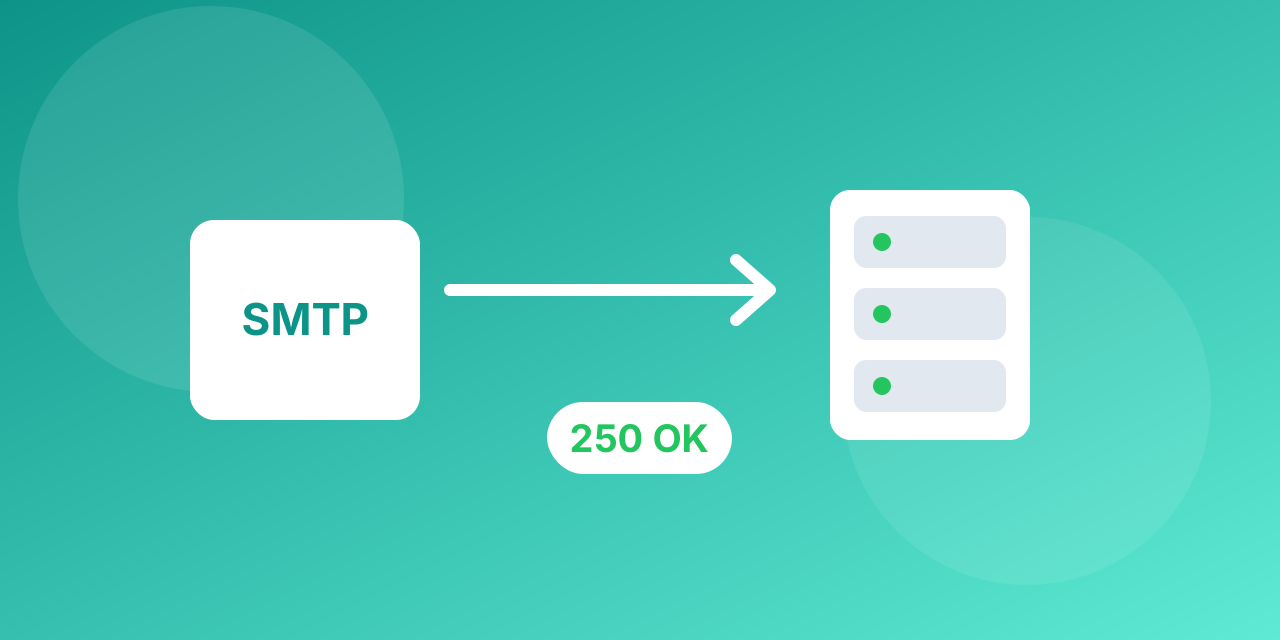
An email verification service takes an address and tells you whether you can safely send to it. Behind that single answer are several checks.
1. Syntax check
The address must follow the standard format. This catches missing @ signs, illegal characters and spaces.
2. Domain and typo detection
The domain must exist. Common typos of popular providers are recognised and flagged.
3. MX record lookup
The domain must publish mail servers. Without MX records, nothing can be delivered.
4. Disposable and role detection
Throwaway providers and role addresses are identified so you can decide what to do with them.
5. SMTP mailbox check
The service talks to the receiving mail server and asks whether the mailbox exists, without sending a message. Some servers accept everything (accept-all) and some answer slowly, so the result includes a confidence status.
6. Deduplication and results
Duplicate addresses are removed and every row gets a status you can filter and export.
What it cannot do
No tool can guarantee that a person will read or answer your email. Verification tells you that the message can arrive.
The checks in the order they run
A good service stops at the first failure, because there is no point probing a mailbox on a domain that does not exist.
- Syntax check. Format, length and characters are validated locally and instantly.
- DNS and MX lookup. The service looks up the domain. No MX record usually means there is no mail server, so the address is invalid.
- SMTP handshake. It connects to the mail server, introduces itself and names the recipient. The server's reply code tells the story: accepted, unknown user, mailbox full or temporarily unavailable.
- Catch-all test. It asks about an address that cannot exist. If that is also accepted, the domain is catch-all and every address on it is risky.
- Classification. Disposable providers, role accounts and known problem domains are labelled.
What the results mean
- Valid: the server accepted the recipient. Safe to send.
- Invalid: the mailbox or domain does not exist. Remove it.
- Risky or accept-all: the answer cannot be trusted. Segment and send carefully.
- Unknown: the server did not answer in time or refused to say. Retry later or treat as risky.
Why some results come back unknown
Large mailbox providers and security gateways sometimes refuse to confirm mailboxes to protect their users from address harvesting. Greylisting servers answer the first attempt with a temporary error, and a good verifier retries before giving up. Slow servers can time out. An honest "unknown" is more useful than a guess presented as fact.
What a service cannot do
- It cannot read the mailbox or know whether the person will open your message.
- It cannot promise inbox placement. Authentication (SPF, DKIM, DMARC), content and reputation decide that.
- It cannot make an old list consent-based. Permission is a separate question from validity.
What it does for your numbers
Removing dead addresses cuts the bounce rate, protects sender reputation and makes open and click rates more honest, because dead contacts no longer sit in the denominator. It also saves money, since you stop paying a sending platform for messages that can never arrive.
Try a single address with the free email checker, or upload a file to bulk email verification. See current plans on the pricing page.
An example check, step by step
Take the address [email protected]. The service does the following, usually in under a few seconds.
- It confirms the format is valid.
- It looks up the MX record for example-company.com and finds the name of the mail server.
- It connects to that server on the mail port and says hello.
- It names a sender and then names [email protected] as the recipient.
- It reads the reply code and closes the connection before any message is sent.
- If the domain accepts any recipient, it flags the result as accept-all. Otherwise it labels the address valid or invalid.
At no point does the address receive an email, and no message body is transmitted.
Three ways to use a service
- Single check: paste one address and read the result. Good for a quick test or a lead you are about to contact.
- Bulk upload: upload a CSV and download the file with a status per row. Good for newsletters and imports.
- API at signup: send each new address to the service while the person is on your form, so typos are fixed on the spot.
The free email checker covers the first, and bulk email verification covers the second.
Why a result can be wrong
No verifier is perfect, and an honest article should say so.
- Servers can lie. A catch-all server says yes to everything.
- Servers can refuse to answer. Some providers block verification attempts on purpose.
- Mailboxes change. An address that was valid yesterday can be closed today.
- Timing matters. A server that is down or slow at the moment of the check can return unknown.
For these reasons a good service reports uncertainty with a label instead of forcing every address into valid or invalid.
Privacy and your data
Verification reads only the address itself. Still, a list of customer addresses is personal data. Check how long the service stores uploaded files, whether files are deleted after processing, and where the data is hosted. Keep your own consent records separately, because validity does not equal permission.
What to do with each result
- Valid: keep and send.
- Invalid: remove from every list.
- Risky or accept-all: segment and test in small batches.
- Unknown: retry later, and send only if the address has shown engagement.
