Email Address Syntax: Why Your Form Rejects Real Addresses
Many forms refuse addresses that are perfectly valid. What the email standard allows, which checks are safe and why a syntax check should never be your only check.
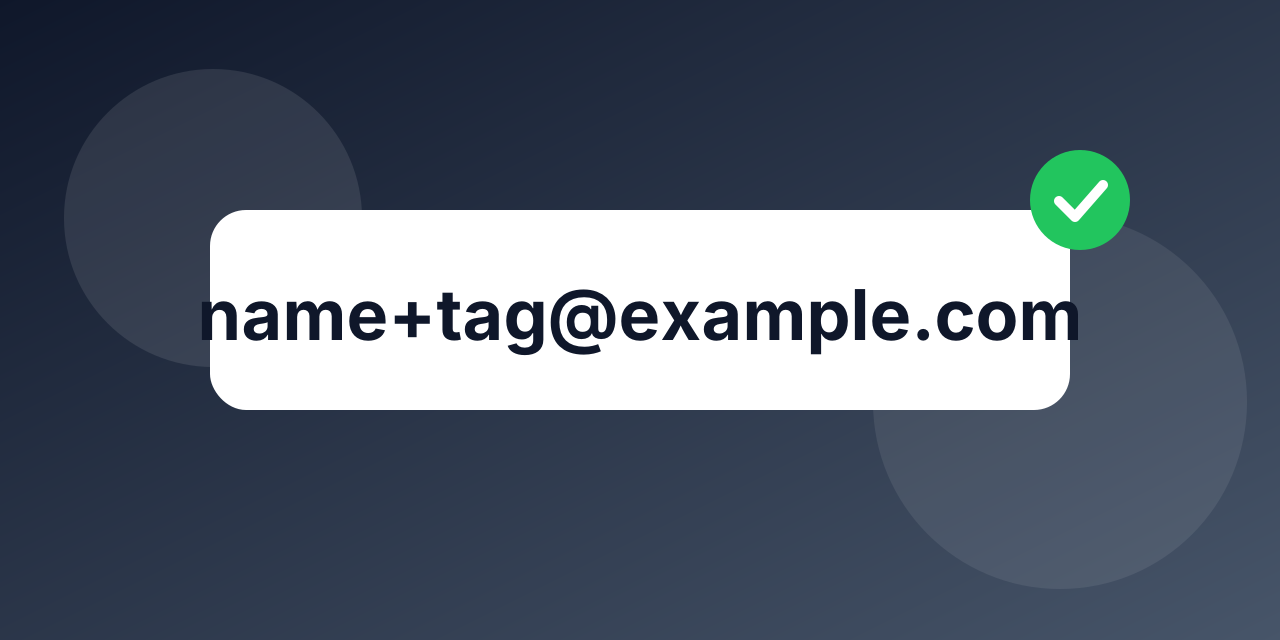
If you have ever seen a customer complain that your form will not accept their address, the cause was probably a pattern that is stricter than the email standard. Syntax rules are simple in outline and full of surprises in the details.
The basic shape
An address is a local part, an @ sign and a domain: [email protected]. There is exactly one @ separating the two. The whole address is at most 254 characters and the local part at most 64.
Things that are valid and often rejected
- A plus sign: [email protected] is valid and widely used to sort mail.
- Dots and hyphens, including more than one dot in the local part, as long as they are not first, last or doubled.
- Long endings: domain endings such as .photography or .museum are longer than the two or three letters many patterns assume.
- International domains: addresses with non-English letters in the domain exist and are in use.
- Digits and underscores in either part.
Things that look valid and are not
- Two dots in a row, or a dot at the start or end of the local part.
- A space, a comma or a missing @.
- A domain with no dot, or one that starts or ends with a hyphen.
A sensible form check
- Trim spaces from both ends.
- Require one @, something before it and a domain with at least one dot after it.
- Be generous in the rest. Do not reject a plus sign, a long ending or a hyphen.
- Do not try to write a full pattern for the standard. It is long and still wrong in places.
Syntax is not existence
An address can be perfectly formed and still fail: the domain may not exist, may have no mail server, or the mailbox may be closed. A syntax check cannot know any of that. For real answers, check the domain, its mail records and the mailbox itself with a verifier. The email checker shows the result for a single address, and the verification API does the same inside your form.
Where to start
Keep the form check light and let verification do the hard part. Run existing lists through bulk verification to remove addresses that were accepted by a loose pattern and never worked.
Frequently asked questions
Is a plus sign allowed? Yes. It is valid and commonly used. Rejecting it loses real customers.
Should I lowercase addresses? The domain is not case sensitive. For the local part, most providers treat it as case insensitive in practice, but store the address as the person typed it and compare in lowercase.