
Email Verification for WooCommerce and Shopify Stores
A mistyped address at checkout means a lost order confirmation, a failed receipt and a customer who never returns. Here is how to catch it.
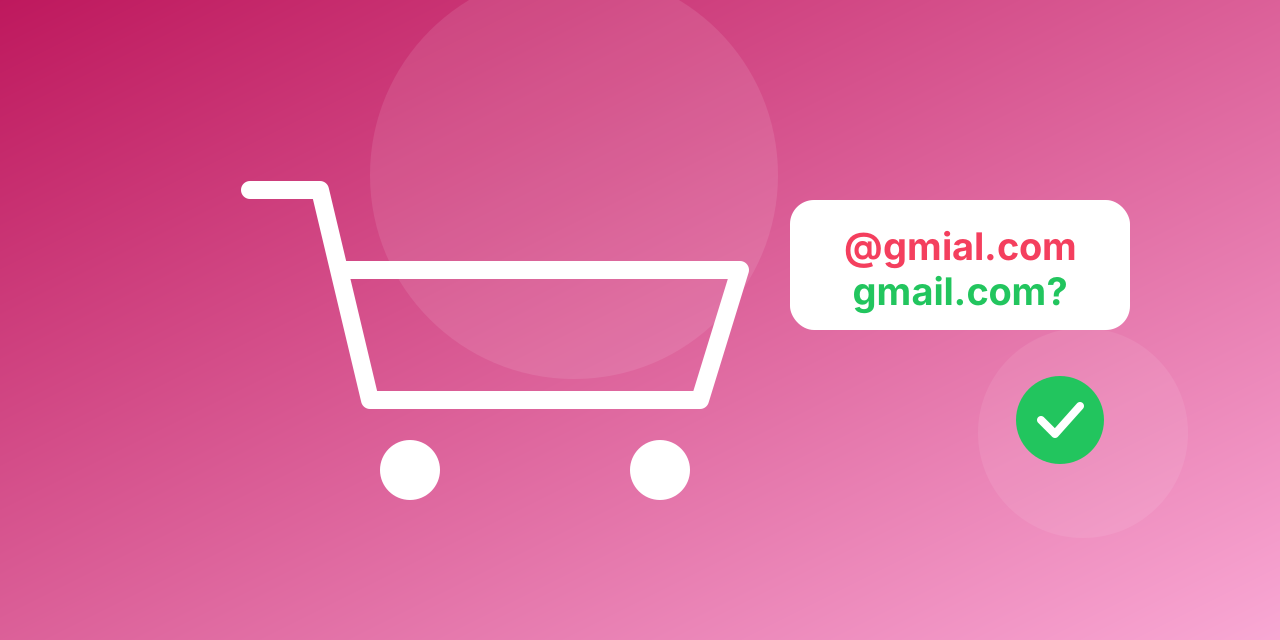
When a shopper mistypes an address at checkout, the order confirmation, the shipping notice and every later campaign go nowhere. The customer writes to support, or does not come back. Checking the address while the shopper is still on the page prevents all of it.
Where bad addresses enter a store
- Checkout and guest checkout: the most expensive place for a typo.
- Account registration: fake or throwaway addresses used to grab a discount code.
- Newsletter pop-ups: typos and test strings.
- Abandoned-cart capture: an address entered, then lost.
What to check
- Format and typos: offer a correction when a common domain looks misspelled, such as gmial.com.
- Domain: block domains that cannot receive mail.
- Disposable providers: block them on discount-code sign-ups.
- Mailbox: verify on the server for the addresses that matter most.
How to add it
- At checkout: use a plugin or an app that calls an email-verification service, or add a small script that checks the field before the order is submitted.
- After the order: verify new customer addresses in the background and flag the bad ones for a phone or SMS fallback.
- On the whole customer list: upload an export to bulk email verification and clean it before a seasonal campaign.
Platform tools change often, so check the current options for your store before choosing. The principle stays the same: validate in the browser, verify on the server.
Make the check friendly
Ask politely: "Did you mean [email protected]?" Do not block a customer on a "risky" result, since catch-all business domains are real. Block only addresses that clearly cannot receive mail.
Measure the result
Track the bounce rate of order emails, the share of customers with a failed confirmation and the cost of support tickets about missing emails. Try an address with the free email checker; plans are on the pricing page.
A step-by-step plan for a store
- Pick the moments that matter: checkout, account creation and the discount pop-up.
- Validate in the browser: format and common domain typos, with a polite "Did you mean?" suggestion.
- Verify on the server: for new customers, call a verification service before you rely on the address.
- Decide on policy: block addresses that clearly cannot receive mail, flag risky ones, accept the rest.
- Fall back: if the address looks bad, ask for a phone number or offer an order lookup page so the customer can still see the status.
- Clean the existing list: export customers and subscribers and verify them before the next campaign.
Things that go wrong
- Blocking too hard. Do not refuse an order because an address is "risky". A catch-all business domain is real.
- Slow checks. If the check delays the checkout, run it in the background after the order instead.
- No fallback. A failed address with no other contact means a lost customer.
- Forgetting guest checkout. Many stores validate accounts but not guests.
Numbers worth tracking
- Share of order confirmations that bounce.
- Support tickets that begin "I did not get my email".
- Open rate of the welcome flow before and after cleaning.
A word on privacy
Verification reads public mail-server answers, and a customer list is personal data. Tell customers in your privacy policy that addresses are checked, and keep your processing records up to date. The free email checker is a quick way to see how a result looks.
