How to Check if a Gmail Address Is Real Before You Send
A Gmail address can be checked without sending a message. Google's own username rules catch many fake ones at once, and a mailbox check settles most of the rest. Here is what each step can and cannot tell you.
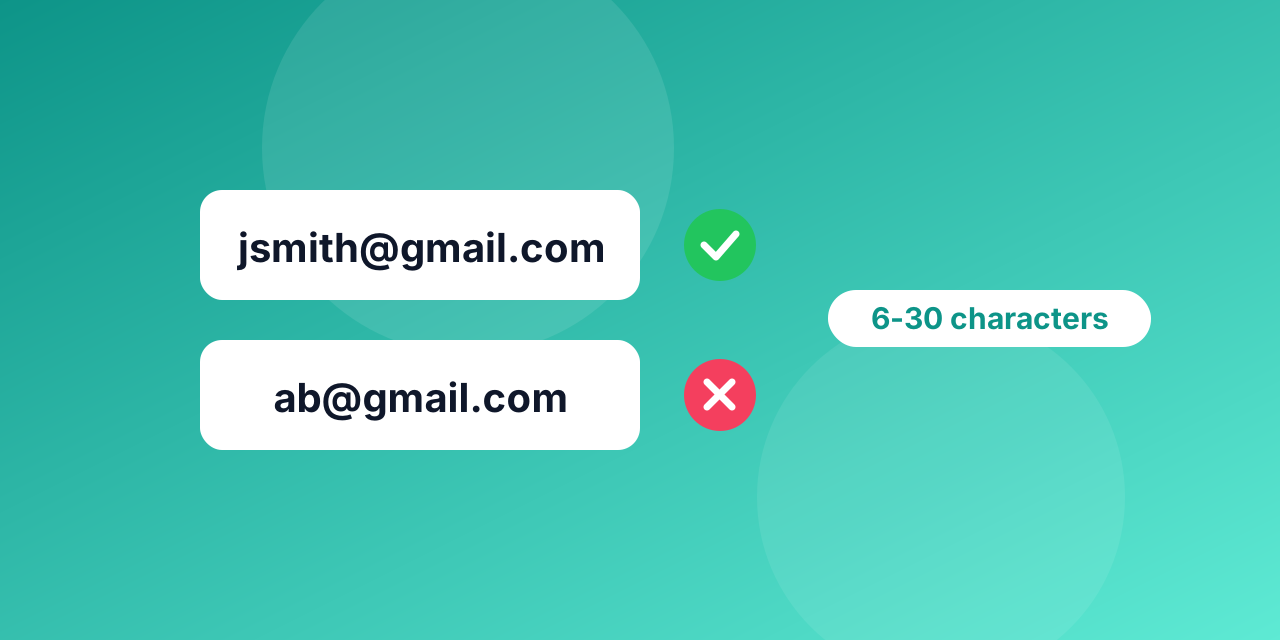
Gmail addresses show up on almost every sign-up form and customer list, so they are also where many typing mistakes and made-up addresses end up. The good news is that you can check a Gmail address without emailing it, and Google publishes rules that make some fake addresses easy to spot. This guide walks through what you can check yourself and what a verifier adds.
Step 1: does the name follow Google's rules?
Google's help page for new Gmail accounts sets out what a username may look like:
- It is 6 to 30 characters long.
- It uses only letters (a-z), numbers (0-9) and periods.
- It cannot contain characters such as &, =, _, ', -, +, commas or angle brackets, and it cannot have two periods in a row.
- It cannot start or end with a period.
So an address like [email protected] or [email protected] cannot belong to a Gmail account created under these rules. You do not need to ask anyone's mail server: the name alone gives it away.
Two details trip people up. Periods do not matter in Gmail, so [email protected] and [email protected] reach the same inbox. And the part after a plus sign, as in [email protected], is a label the owner added, not part of the username. A check should look at the name before the plus sign.
Step 2: is it really gmail.com?
A surprising number of bad addresses are typos of the domain: gmial.com, gmail.co, gnail.com. Some of these domains do not receive mail at all, and some do and belong to someone else. A good check flags the likely typo and suggests gmail.com, so you can ask the person to correct it instead of losing the contact. Our post on address syntax covers the format side in more detail.
Step 3: ask Gmail whether the mailbox exists
A name can follow every rule and still not exist. The last step is to ask Gmail's mail servers whether they would accept mail for that mailbox, and to stop before any message is sent. This is what a verifier does, and the person you check never receives anything. The general method is explained in how to check if an email address exists without sending a message.
Gmail's servers can answer this with a yes or a no. Like every large provider, though, Gmail protects itself against too many questions from one place in a short time. When that happens the honest result is unknown, not invalid, and a later retry often settles it. Why a verification comes back unknown explains how to handle those.
What about company addresses on Google?
Many businesses use Google Workspace with their own domain, such as [email protected]. Those addresses run on Google's mail servers, but the Gmail username rules above do not apply to them: a company can create [email protected] or [email protected]. Check them with the mailbox step, not with the name rules.
How Mailbite handles Gmail addresses
When you verify a list or a single address with Mailbite, we do these steps for you:
- On gmail.com and googlemail.com, a name that is shorter than 6 characters, longer than 30 characters (periods not counted) or uses anything other than letters, numbers and periods is marked invalid at once, without contacting the server. The part after a plus sign is ignored for this check.
- Likely domain typos are flagged with a suggestion.
- Everything else gets the mailbox check, and uncertain answers are labelled unknown instead of being guessed.
You can try a single address with the email checker on our home page, or upload a whole list with the free monthly allowance shown on the pricing page.
Quick answers
Can I check a Gmail address without the owner knowing? Yes. No message is sent, and nothing appears in their inbox.
Is a Gmail address with a dot a different person? No. Periods do not change the inbox.
Should I block Gmail on my sign-up form? Usually not. See free vs business email addresses.