
How to Clean a Mailchimp Audience Before You Send
A step-by-step way to export your audience, verify every address and bring the clean list back, without losing subscribers who are real.
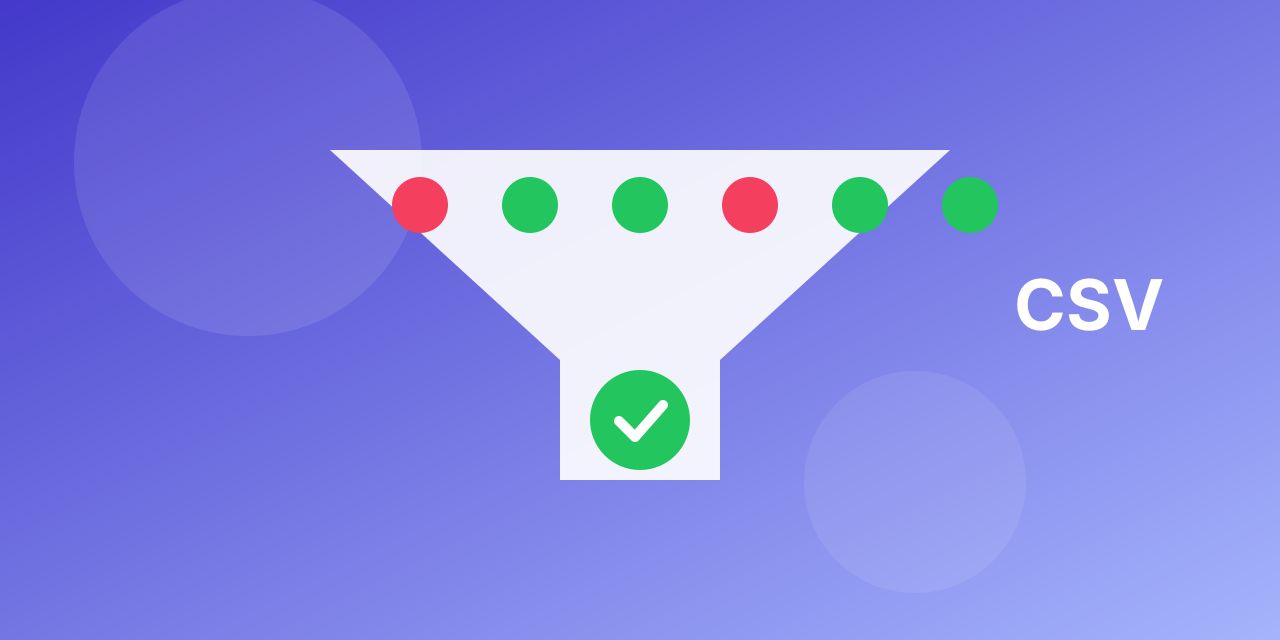
A newsletter audience that has grown for years collects dead addresses. They bounce, they hurt your reputation, and you may pay for every contact you keep. Here is a safe way to clean an audience before a big send. The steps are the same for most email platforms; check your own platform for the exact menu names.
Before you start
- Keep a backup. Export the whole audience before you change anything.
- Know your platform's rules. Platforms mark addresses that hard bounce as inactive or cleaned. Those are already handled; focus on the rest.
- Check consent. Cleaning removes bad addresses. It does not create permission.
Step by step
- Export the audience as a CSV, with the email column and the status column.
- Keep only subscribed contacts for verification. Unsubscribed and cleaned contacts stay out.
- Upload the file to bulk email verification and wait for the results.
- Download the results and split them by status: valid, invalid, risky, unknown.
- Archive or unsubscribe the invalid addresses in your platform so they stop counting and stop bouncing.
- Segment the risky group (catch-all and role addresses) and send to it in small batches first.
- Keep unknown for a retry after a week; a temporary answer is not a verdict.
- Send to the valid group first and watch the bounce and complaint rates.
Keep it clean
- Add a real-time check to your sign-up form so typos never enter the audience.
- Remove people who have not opened anything in a long time, after a re-engagement attempt.
- Re-verify the list every few months and always before a big campaign.
What you gain
A lower bounce rate, a better sender reputation, more honest open and click rates and, on many platforms, a smaller bill because you stop paying for dead contacts. Plans and the free monthly allowance are on the pricing page; a single address can be tried with the free email checker.
What to do with each status
- Valid: keep. These are your safest contacts.
- Invalid: archive or unsubscribe them in your platform. They will never receive your mail and they inflate your contact count.
- Disposable: remove; they rarely engage.
- Risky (catch-all or role): keep in a separate segment. Send to them in small batches and watch bounces and complaints.
- Unknown: retry after a week. A temporary answer is not a verdict.
Mistakes to avoid
- Deleting instead of archiving. Archive first, so you can restore a contact if you made a mistake.
- Re-importing as new subscribers. Re-importing cleaned contacts without their original consent history can create compliance problems. Update existing contacts instead of adding them again.
- Cleaning only once. New sign-ups bring new typos every day.
- Ignoring engagement. A valid address that never opens is also a cost. Pair verification with a re-engagement campaign.
How often to do it
- Before every large campaign.
- Every three to six months for an active list.
- Immediately after a spike in bounces.
A realistic expectation
Do not expect a miracle. A well-kept list loses a small share of addresses to decay each month, an old list loses far more. The point of the exercise is to stop mailing the dead part, which lowers your bounce rate and protects the inbox placement of everything you send.
Related
See bulk email verification for the upload step, the bounce guide for causes, and the free email checker to test a few addresses first.
