
Fixing Invalid Email Adress
Most invalid addresses are fixable typos. Learn the common causes and how to correct or remove them before they cost you.
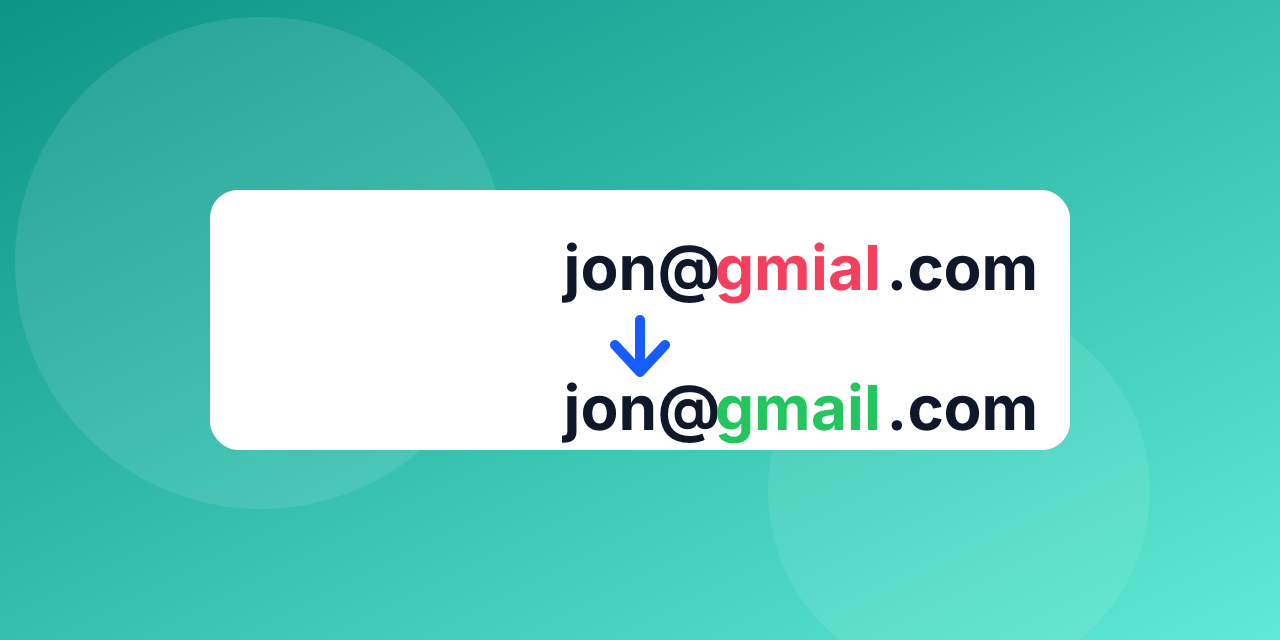
Not every invalid address is a lost contact. Many are typos that a person would fix in two seconds.
The usual suspects
- Domain typos: gmial.com, gmail.con, hotmial.com, yahooo.com.
- Missing parts: no @, no domain extension, spaces at the start or end.
- Wrong separators: commas instead of dots, or two @ signs.
- Old addresses: the mailbox was closed or the person left the company.
Fix at the source
Add a real-time check to your sign-up form. When the domain looks like a typo of a popular one, suggest the correction before the form is submitted.
Fix in a list
Run the list through a verifier. Obvious typos can be corrected in bulk with a find-and-replace on the domain; addresses that stay invalid afterwards should be removed.
Never guess
Do not "repair" an address you cannot confirm. Sending to a guessed mailbox can hit a stranger or a spam trap.
Keep it from coming back
Verify imports, confirm new sign-ups with a double opt-in where it makes sense, and re-check old lists before big campaigns.
A worked example
A newsletter signup list contains `[email protected]`, `[email protected]` and `sam@company,com`.
- `gmial.com` is a typo of gmail.com. The fix is almost certainly `[email protected]`.
- `yahooo.com` is a typo of yahoo.com. Likely `[email protected]`.
- `company,com` has a comma where a dot should be. Likely `[email protected]`.
A verifier flags all three as invalid, and a good one also suggests the likely correction. You still should not rewrite the address silently: if the guess is wrong, you now send to a stranger.
The safe way to apply a fix
- At the sign-up form, show the suggestion and let the person confirm it.
- In an existing list, apply a correction only to obvious, high-confidence typos of major providers, and verify the corrected address before sending.
- For everything else, remove the address or ask the contact to update their details by another channel.
Why it is worth the effort
Each typo is a person who wanted to hear from you and did not. Fixing it at the form recovers that customer. Silently dropping it loses one, and sending to the wrong address risks a spam complaint from a stranger.
Make it routine
Run new sign-ups through a checker as they arrive, and clean older lists periodically with the bulk verifier.
