Free vs Business Email Addresses: Should You Block Gmail on a B2B Form?
Blocking free addresses looks like quick lead filtering, and it often costs real buyers. How to flag, score and route free-provider addresses instead, and which checks matter more.
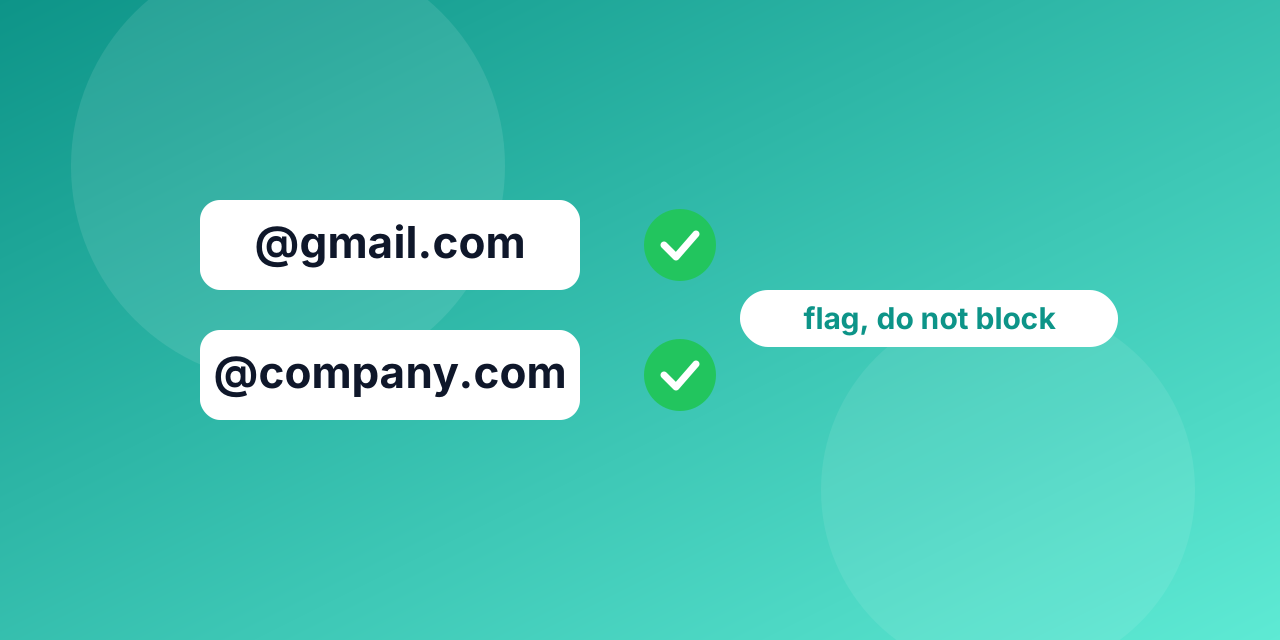
Every team that sells to businesses has had the thought: "If we block Gmail and Outlook on the demo form, we will only get serious leads." It is a tempting rule, because it takes five minutes to build. It is also a rule that quietly turns away real buyers. Here is how to think about it, and what to do instead.
Why the rule is tempting
A work address suggests a company, a role and a domain you can research. A free address suggests none of that. If your sales team spends hours on leads that go nowhere, a filter at the form feels like the cheapest fix.
What blocking costs you
- Freelancers and consultants buy tools and recommend them, and many use one personal address for everything.
- Founders and small shops often start with a free address and never move.
- Employees at larger companies sometimes sign up with a personal address on purpose, to try a tool before asking for a budget.
- People on a phone who see an error on a form may simply leave.
You do not see these people in your numbers. They are not rejected leads in a report; they never appear.
A free address is not a bad address
It is worth separating two ideas. A free-provider address says something about the sender's situation. It says nothing about whether the mailbox is real or whether mail will arrive. An address at a free provider is not harder to deliver to than any other, as long as the mailbox exists.
The checks that protect you are different:
- Does the mailbox exist? An invalid address will bounce.
- Is it disposable? Throwaway addresses give you a lead who will never read your reply.
- Is it a role address? An address like info@ or support@ reaches a shared inbox, not a person.
- Is there a typo? A suggested correction such as gmail.com for gmial.com saves a real lead.
Three ways to treat free addresses
| Approach | What you do | Best for |
|---|---|---|
| Block | Refuse the form until a work address is entered | Products that truly cannot serve individuals |
| Flag | Accept the address and mark it free_provider | Most B2B sites |
| Ask more | Accept it and add a company or website field | Teams that want to qualify without refusing |
Flagging is usually the best starting point. It keeps the lead, and it lets sales or marketing sort by the flag instead of guessing.
Using the API fields
The verification API returns a result and separate flags: free_provider, role, disposable and typo_suggestion. You can combine them into simple rules:
- Result is invalid: ask the person to correct the address.
- A typo suggestion exists: show it and let the person accept it.
- Disposable is true: ask for another address.
- Free provider is true: accept, mark the lead and ask for a company name.
- Role is true: accept, and note that it is a shared mailbox.
If you must block
Some products really are for companies only: a seat-based admin tool, for example. If you block free addresses, say why and offer a way forward: "Please use your work address so we can match you to your company. No work address? Contact us and we will help." A refusal with a path is far better than a silent error.
Where to start
Run your last few hundred form entries through bulk verification and count how many are free, role or disposable. The numbers for your own audience will tell you more than any general rule. You can try single addresses with the email checker first.
Frequently asked questions
Does blocking free addresses improve deliverability? No. Deliverability depends on whether the mailbox exists and on your sending reputation, not on whether the provider is free.
Should I verify work addresses too? Yes. A company domain with no mail server, or a mailbox that does not exist, bounces like any other.